
Dashboard
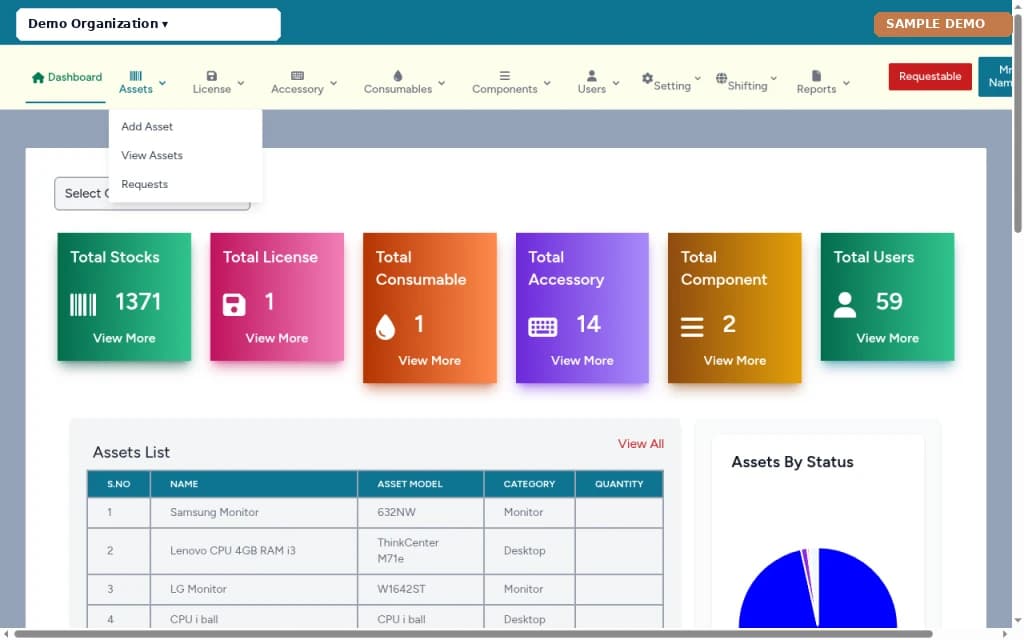
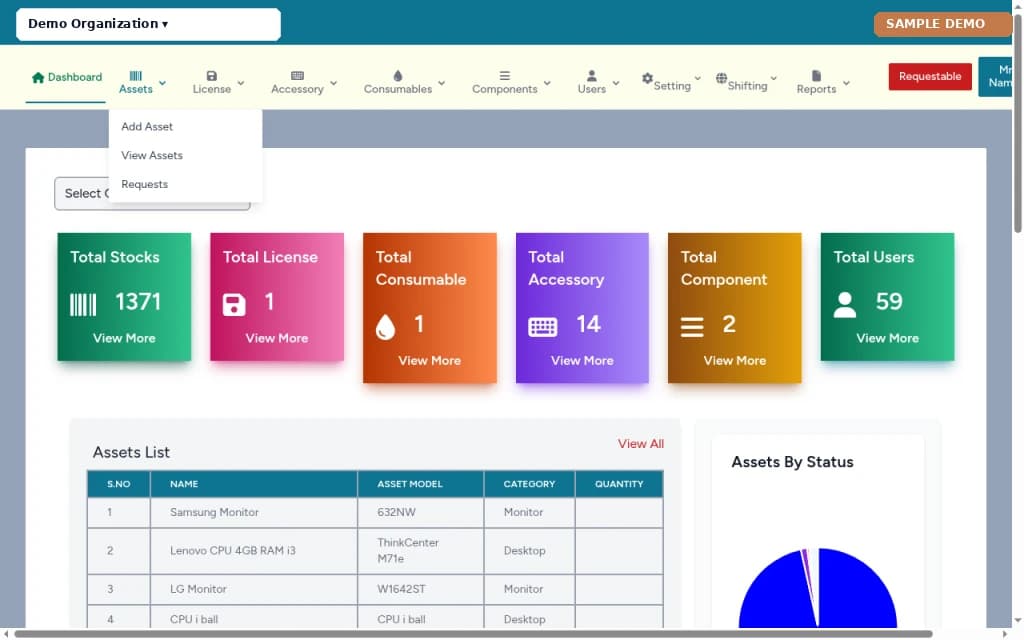
Overview of asset activity and quick entry points into inventory, requests, and operational modules.
ProductLiveWeb-based asset management
A web-based asset management system for institutions and organizations to track assets, licenses, accessories, consumables, components, users, shifting and repair, requests, reports, and settings — deployed per organization.
Asset Management is a web-based system for tracking institutional assets and related inventory. Organizations use it to manage assets, software licenses, accessories, consumables, components, users, internal shifting, repair and external shifting, requestable items, asset requests, operational reports, and system settings from one connected application.
It is asset-management software for organizations that need structured inventory and lifecycle records. It is web-based. Deployments are per organization on that organization's hosting or server space — not a single shared multi-tenant marketplace.
Screenshots on this page are from a sample demo environment edited for marketing (organization shown as Demo Organization; sample rows anonymized). They illustrate the product's module layout, not a specific client's live data.
Institutions and organizations that need to track physical and related IT assets. Typical users include asset administrators, IT and facilities staff, store keepers, and managers who approve requests or review reports.
Asset records are often spread across spreadsheets, email, and disconnected tools. Licenses, accessories, consumables, repairs, and internal moves can each live in a different place, so staff spend time reconciling lists instead of working from one register.
Asset Management brings those areas into one web-based system so each organization works from a connected asset record rather than disconnected files.
Overview of asset activity and quick entry points into inventory, requests, and operational modules.
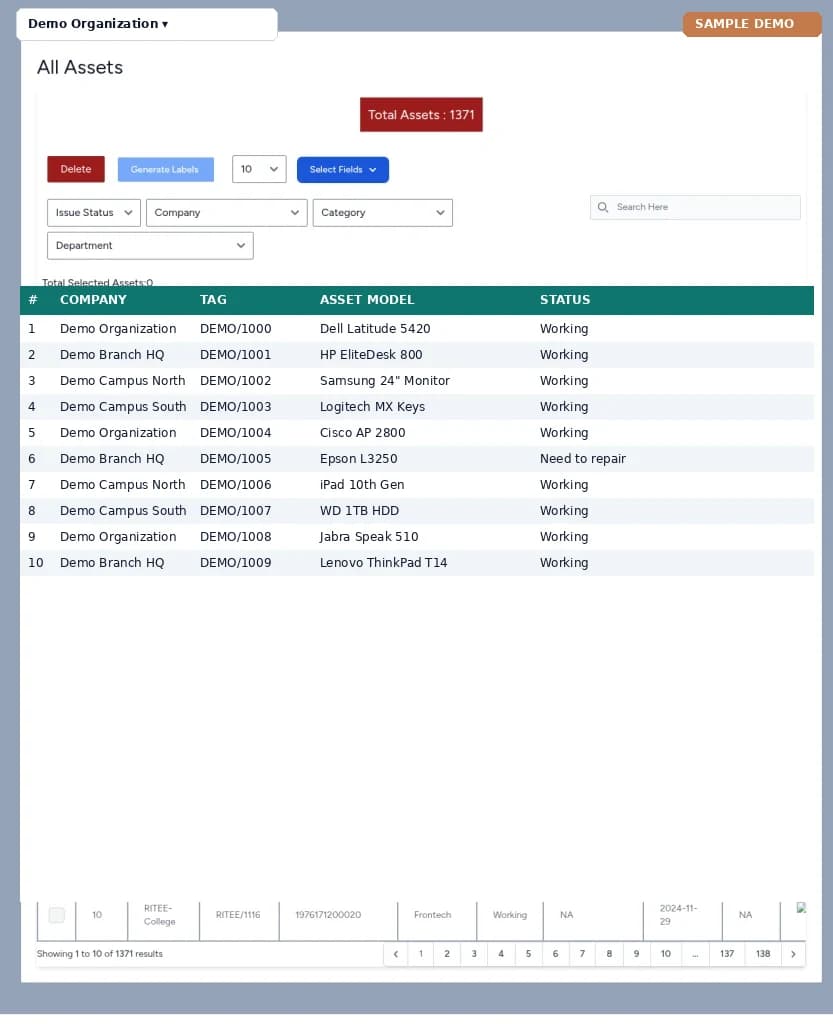
Maintain the primary asset register — records, status, and related details in a structured list.
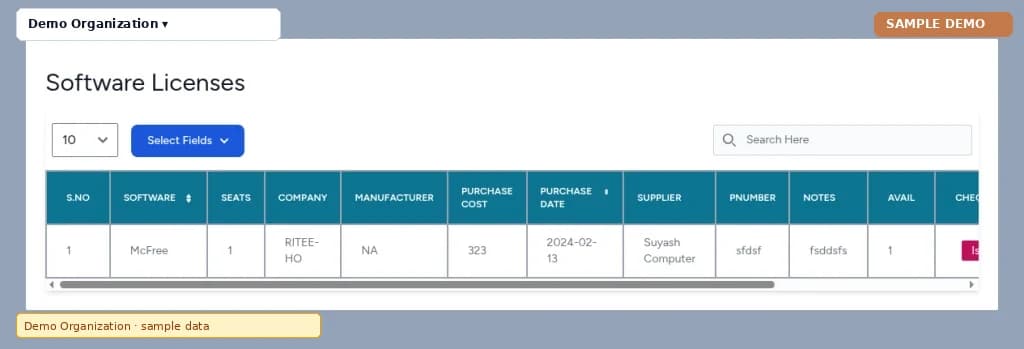
Track software and related licenses alongside the organization's asset records.
Manage accessory items linked to assets so supporting inventory stays in the same system.
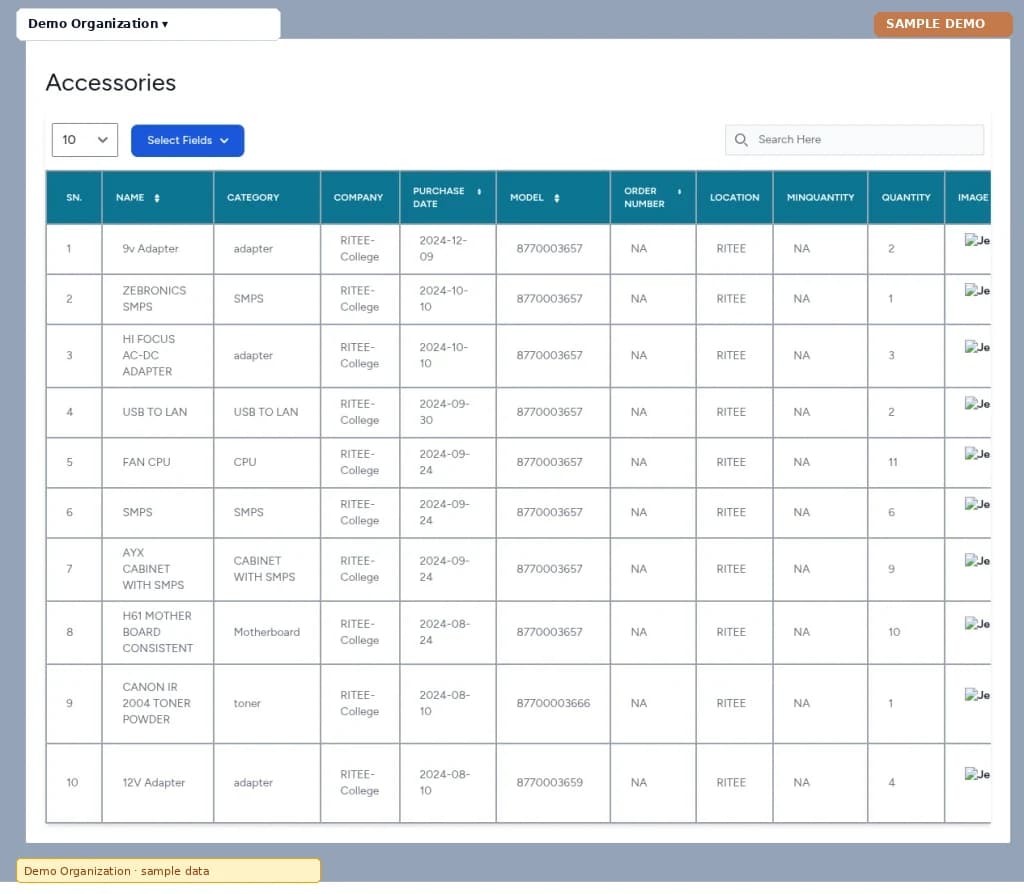
Record consumable stock used with assets and keep those quantities with the wider inventory.
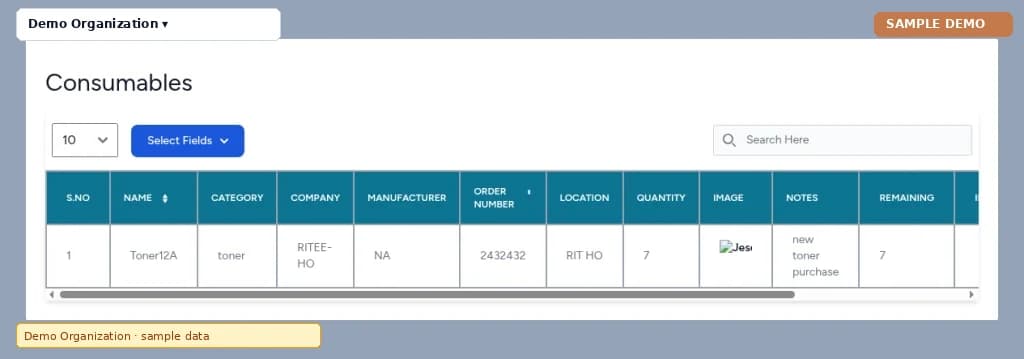
Track components that make up or accompany assets within the same inventory workflow.
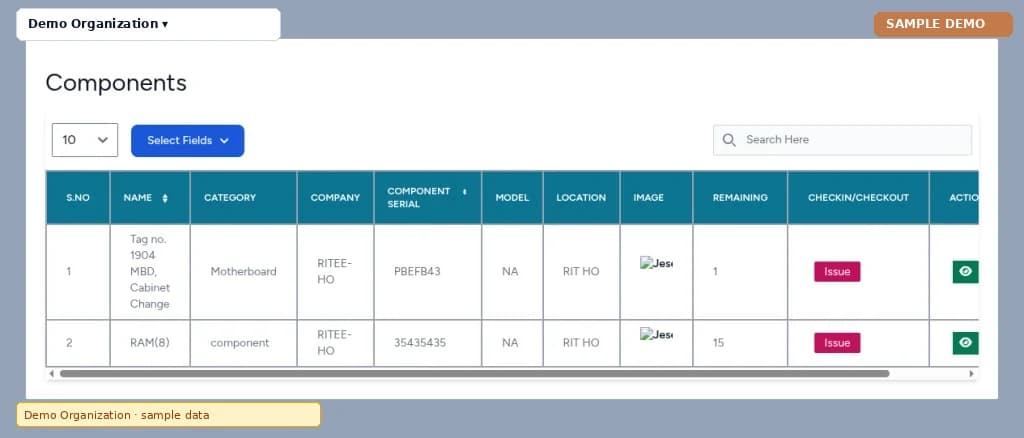
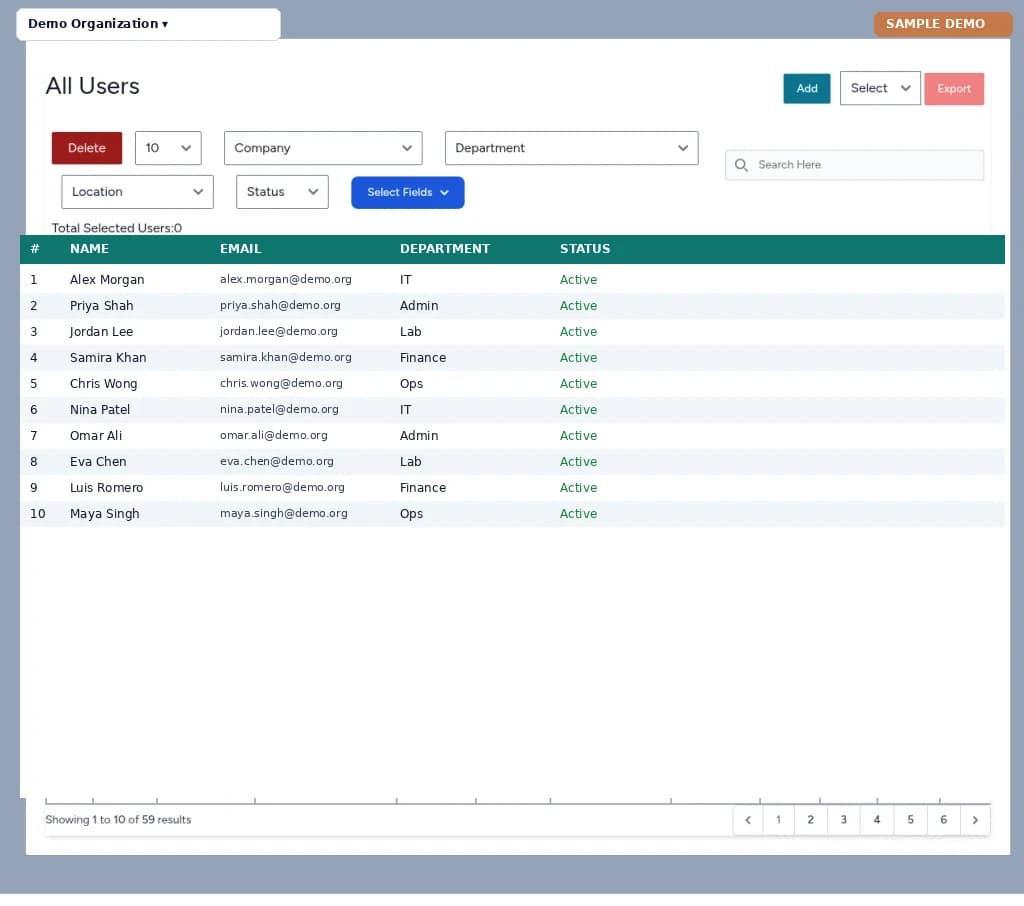
Administer user accounts who work in the system — staff who manage assets, requests, and reports.
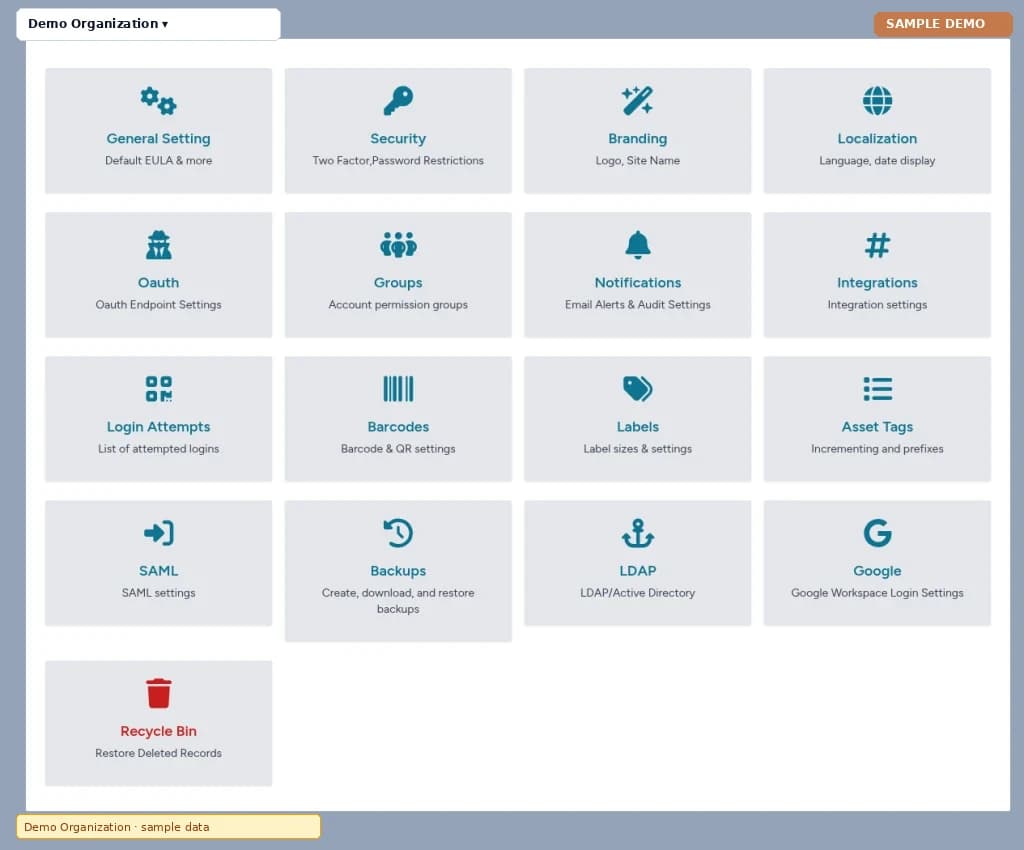
Organization settings area covering configuration topics such as General, Security, Branding, Localization, OAuth, Groups, Notifications, Integrations, Login Attempts, Barcodes, Labels, Asset Tags, SAML, Backups, LDAP, Google, and Recycle Bin. The screenshot shows the settings hub; individual subpages vary by deployment.
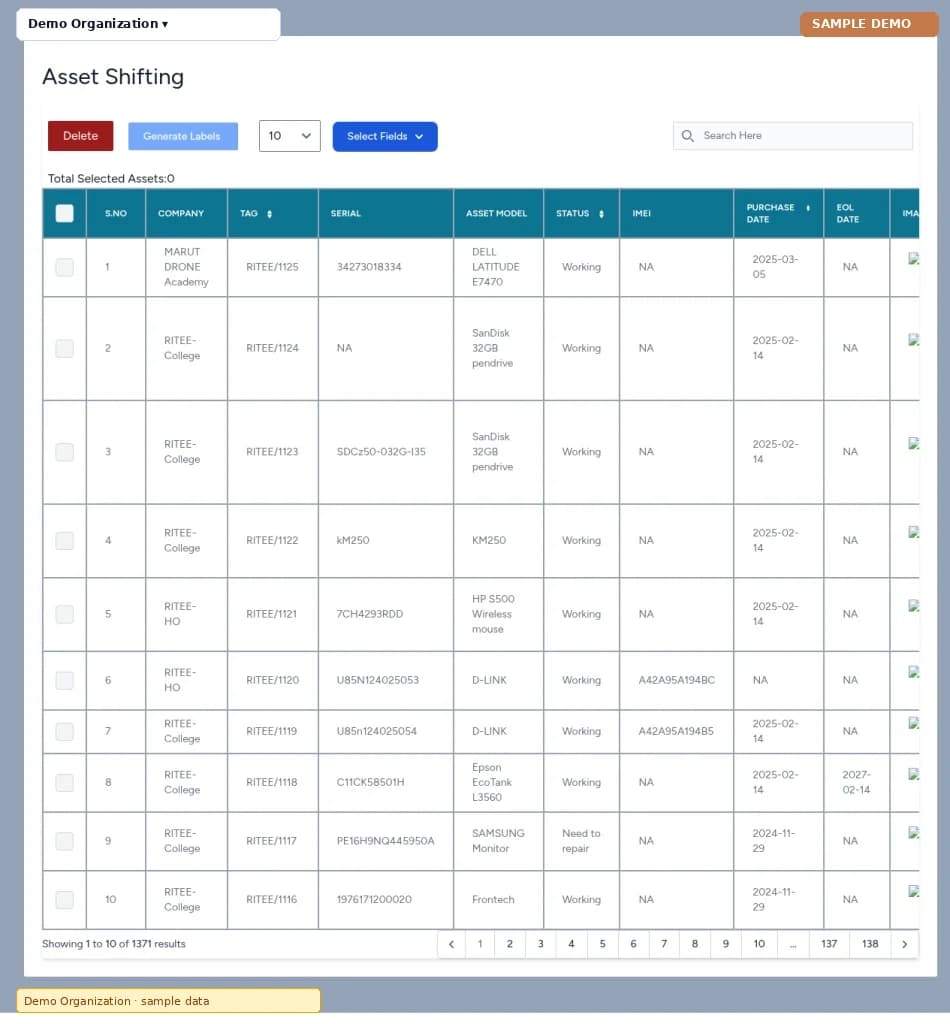
Record internal moves of assets between locations or custodians inside the organization.
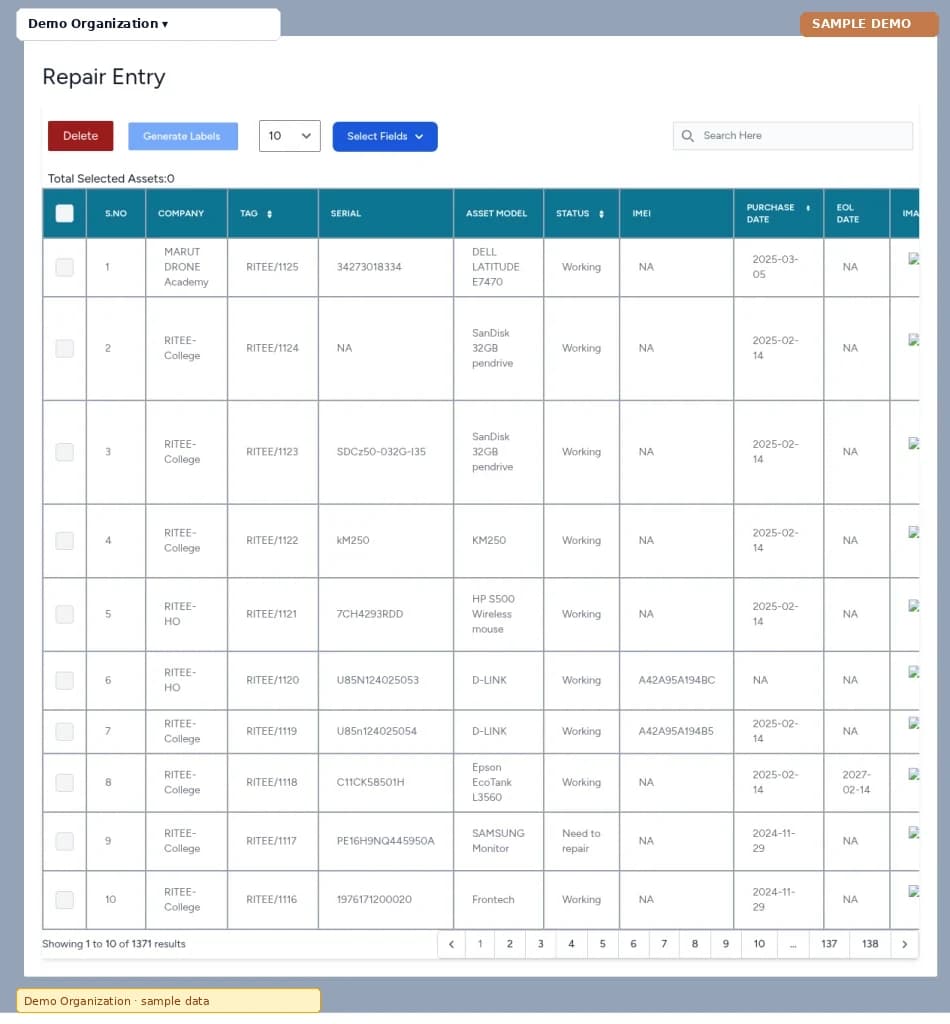
Enter repair work and external shifting so assets leaving or returning for service stay on record.
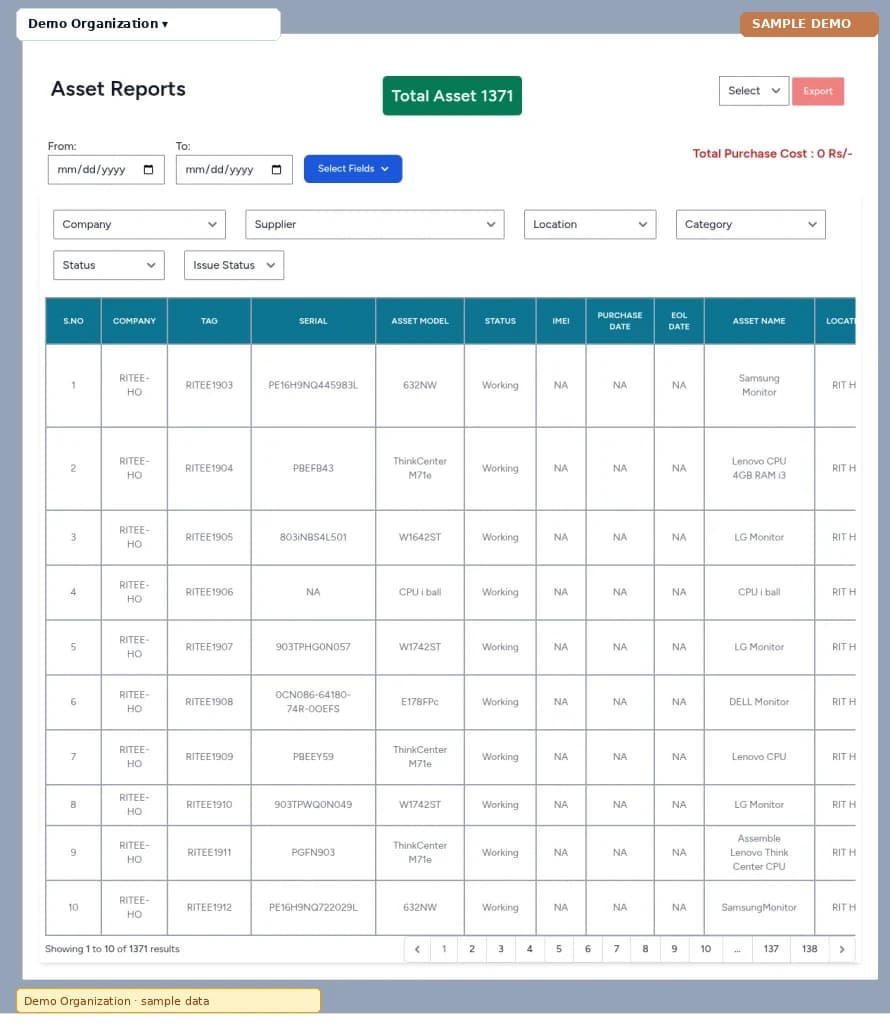
Operational reports for reviewing inventory, shifting, and related asset activity.
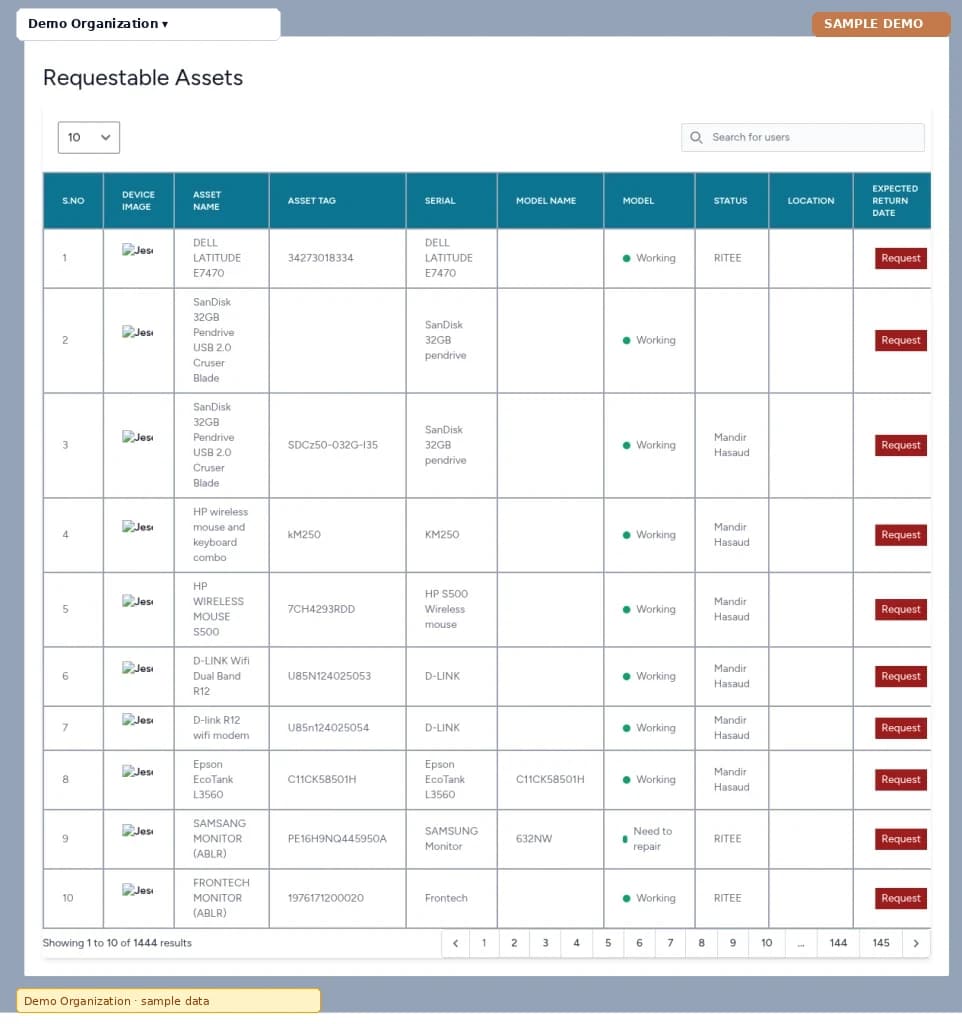
Mark assets that staff can request so the catalog of requestable items is clear.
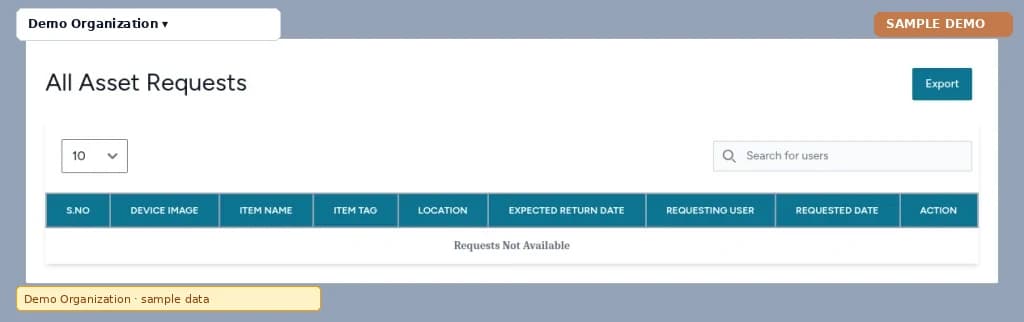
Review and process asset requests from users against the requestable catalog.
Asset Management is a web-based system for institutions and organizations to track assets, licenses, accessories, consumables, components, users, shifting and repair, requests, reports, and settings. It is deployed per organization.
Organizations that need structured asset and inventory records — for example campuses, labs, and IT or facilities teams. Users include asset administrators, IT and facilities staff, store keepers, and managers who review requests or reports.
Assets inventory, licenses, accessories, consumables, components, users, settings, internal shifting, repair and external shifting, reports, requestable assets, and asset requests.
No. Screenshots are from a sample demo environment edited for marketing (Demo Organization, anonymized sample rows). They show module layout, not a specific client's live data.
Each organization gets its own deployment on that organization's hosting or server space. Hosting can be provided or managed separately when agreed. It is not a single shared system for many organizations.
Keep exploring
Request a walkthrough tailored to your workflows and questions.